Newsletter
Join the HoTools Community
Get weekly updates on the best online tools, productivity tips, and exclusive resources delivered straight to your inbox
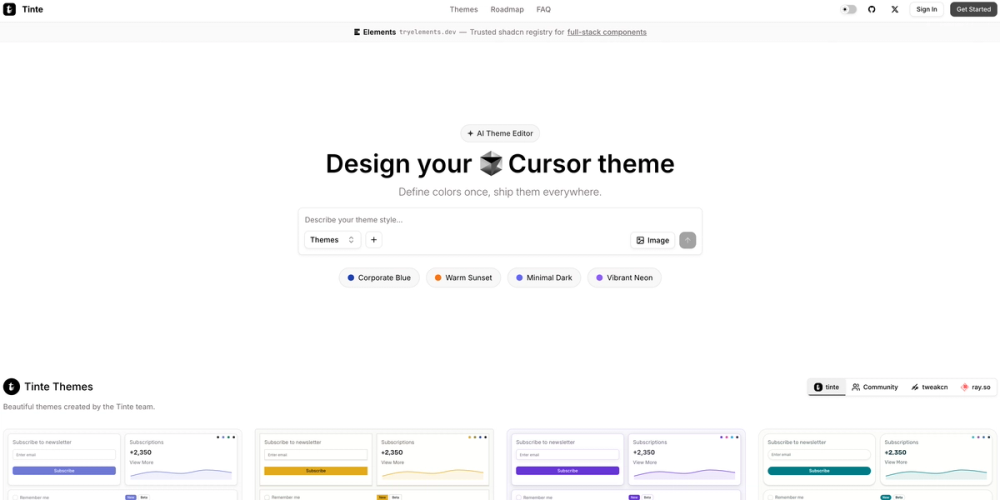
An AI-powered theme generator and converter for VS Code, shadcn/ui, and terminals using the OKLCH color space with real-time previews.
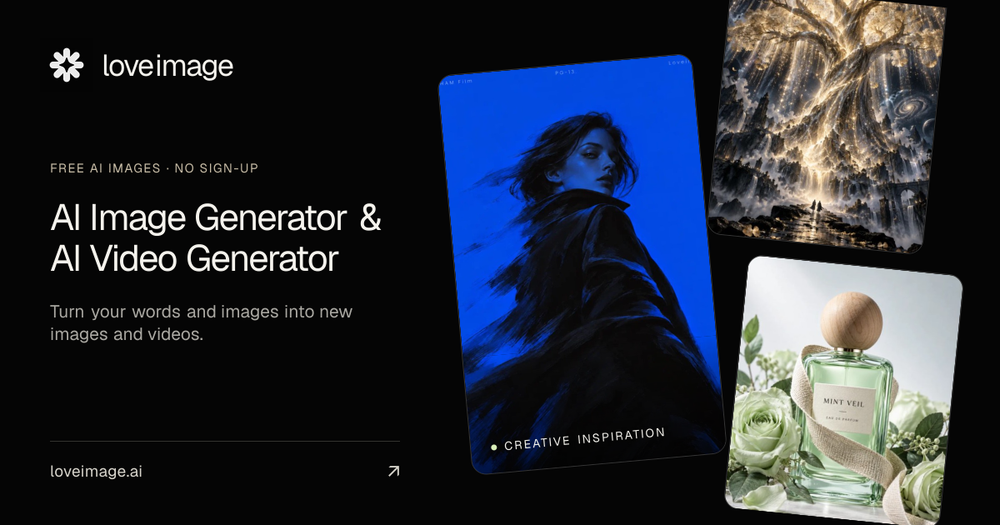
AI-powered image and video generator with free trial and various editing tools.
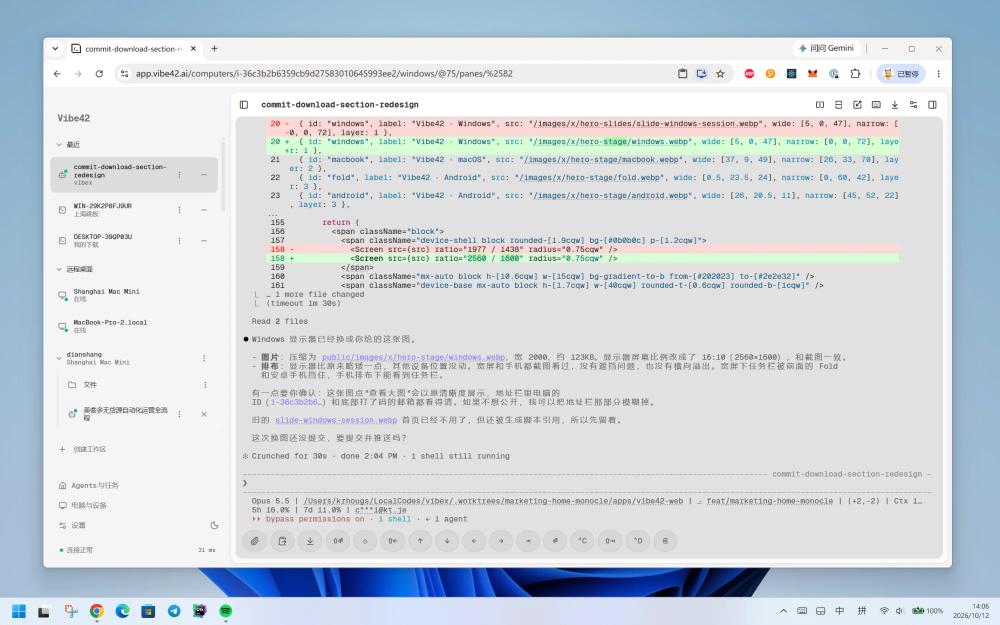
Vibe42: Your AI coding workspace, always on. Access your computer and AI coding agents from anywhere, securely and efficiently.
Cue provides personal AI agents with distinct identities to manage tasks, communications, and finances.
AirCube offers a unified API to access over 450 AI models for image, video, and audio generation.
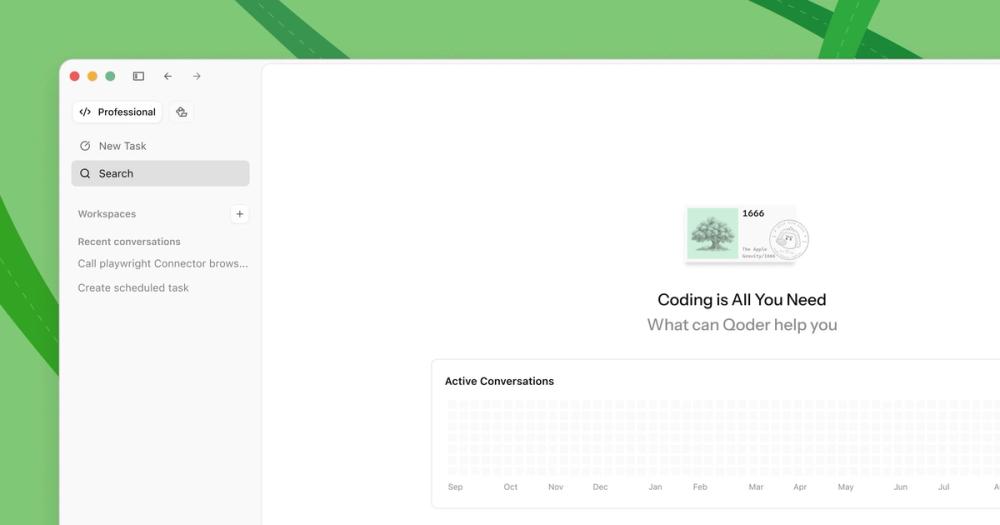
Qoder is an AI-powered autonomous development IDE that helps individuals and teams code faster and more efficiently.
TypeSafe AI offers System One Models for machine-native AI, focusing on calibrated decisions and cost-efficiency over traditional LLMs.
Tinte is a professional-grade, AI-powered theme editor and converter designed for developers and designers. It allows users to create, convert, and export consistent color themes across multiple platforms including VS Code, shadcn/ui, Rayso, and various terminal emulators. By leveraging the OKLCH color space, Tinte ensures semantic color consistency and high-quality visual output.
Tinte is an AI-powered theme editor that generates consistent themes for applications. You describe a style in natural language, and the AI creates a complete theme with color palettes and export options for platforms like VS Code.
Tinte supports a wide range of platforms including VS Code, shadcn/ui, Shiki syntax highlighting, Rayso, TweakCN, and various terminal emulators like Alacritty and Kitty.
Yes, Tinte provides a professional workbench for fine-tuning. You can perform canonical editing, apply provider overrides, and use agent assistance to refine your theme.
Yes, Tinte features a community marketplace where you can browse, share, favorite, and discover over 13,000 themes created by other users.
Yes, the tool includes features for WCAG compliance checking, contrast validation, and uses the OKLCH color space to ensure better color accessibility.