Newsletter
Join the HoTools Community
Get weekly updates on the best online tools, productivity tips, and exclusive resources delivered straight to your inbox
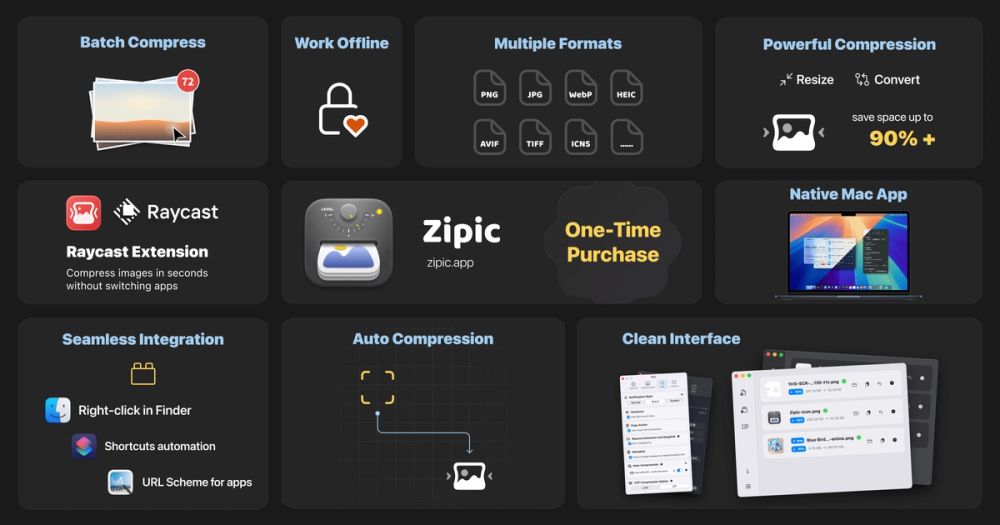
Zipic is a native macOS image compression tool that reduces file sizes while maintaining high quality through local processing and smart automation.
AI-powered image and video generator with free trial and various editing tools.
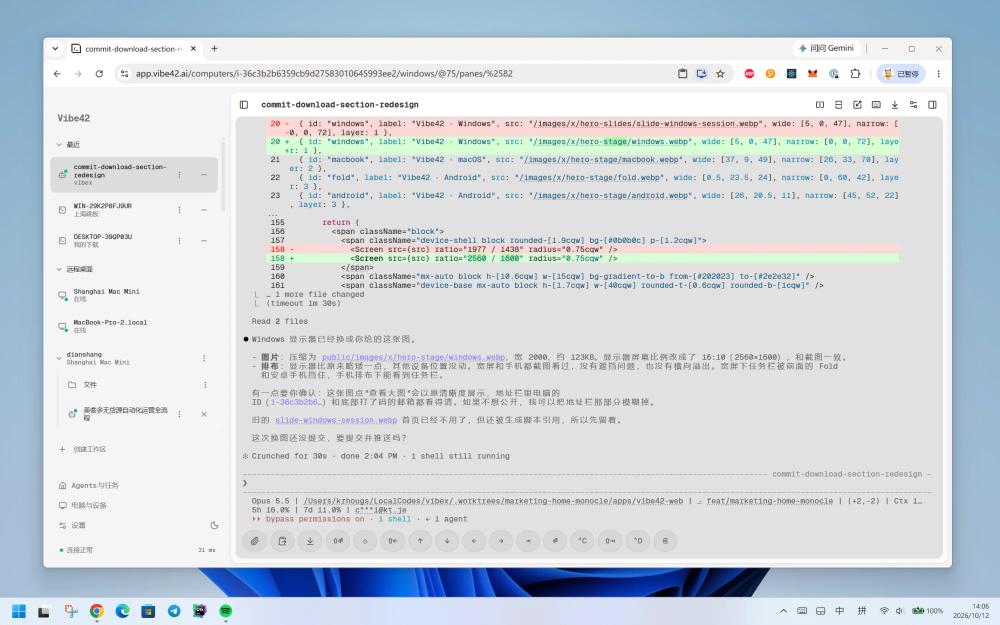
Vibe42: Your AI coding workspace, always on. Access your computer and AI coding agents from anywhere, securely and efficiently.
Cue provides personal AI agents with distinct identities to manage tasks, communications, and finances.
AirCube offers a unified API to access over 450 AI models for image, video, and audio generation.
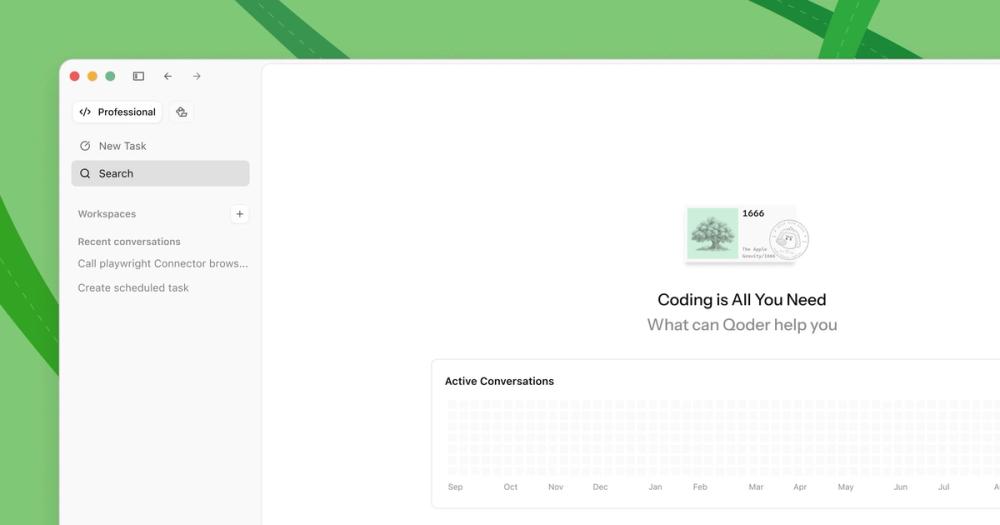
Qoder is an AI-powered autonomous development IDE that helps individuals and teams code faster and more efficiently.
TypeSafe AI offers System One Models for machine-native AI, focusing on calibrated decisions and cost-efficiency over traditional LLMs.
Zipic is a high-performance, native macOS application designed for effortless image compression and optimization. It allows users to significantly reduce image file sizes while preserving visual quality, making it an ideal tool for photographers, web developers, designers, and bloggers. Unlike many online tools, Zipic processes all images locally on your device, ensuring maximum privacy and speed without the need for internet connectivity.
For professional users, Zipic offers powerful automation features to streamline workflows:
How do I compress images with Zipic? You can drag and drop files into the main window, use the Notch Drop feature, copy images to the clipboard for auto-compression, or right-click files in Finder.
Is my data safe with Zipic? Yes. Zipic performs all compression locally on your device. There are no cloud uploads, meaning your images never leave your computer.
What file formats are supported? Zipic supports JPEG, PNG, WebP, HEIC, and GIF in the free version. Pro users gain access to AVIF, JXL (JPEG XL), TIFF, and ICNS.
What are the system requirements? Zipic requires macOS 13.0 (Ventura) or later and is optimized for both Intel and Apple Silicon architectures.
Does Zipic support format conversion? Yes, Zipic allows you to convert between various formats, such as converting HEIC or PNG files to WebP or JPEG during the compression process.