Newsletter
Join the HoTools Community
Get weekly updates on the best online tools, productivity tips, and exclusive resources delivered straight to your inbox
Mole: A native Mac utility for cleanup, app management, and system status monitoring. One-time purchase for lifetime updates.
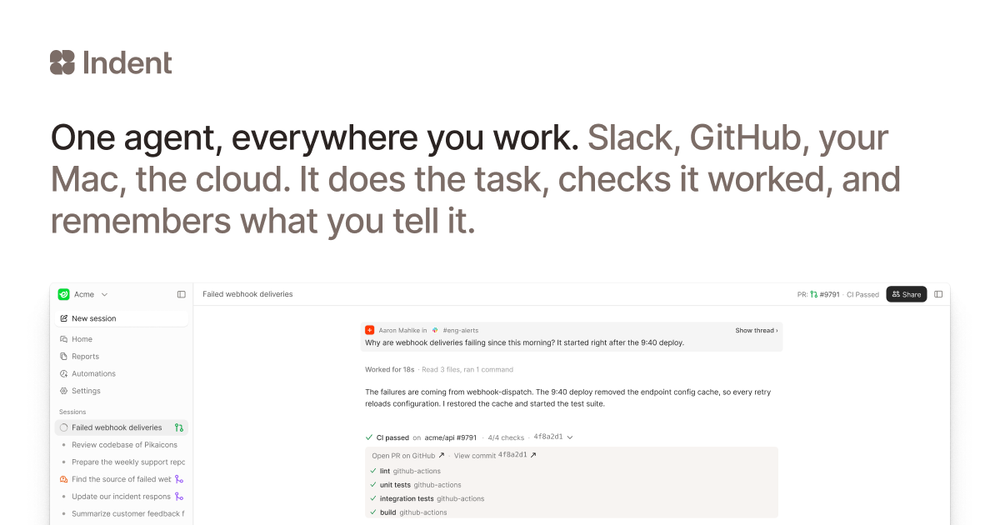
Indent is an AI coworker that automates tasks across your company, learning from one person and benefiting all. Integrates with Slack and code.
MagicShot: All-in-one AI studio for image, video, and audio creation. Simplify your content workflow.
AI-powered landing page builder that generates beautiful designs in seconds. Export to HTML & Figma. No design skills needed.
Learn to prompt better UIs and apps with DesignCode's comprehensive courses, templates, and AI tools.
Mole is a native macOS application designed to streamline Mac maintenance by consolidating essential tools into a single, user-friendly interface. It offers a comprehensive suite of functionalities for cleaning junk files, managing applications, optimizing system performance, analyzing disk usage, and monitoring live system status. Priced at a one-time fee of $19, Mole provides lifetime updates and supports up to two Macs per license, with a 14-day refund policy.
Mole is available for a one-time purchase of $19, which includes lifetime updates and a license for two Macs. A 14-day refund guarantee is provided.
Mole offers a comprehensive suite of tools in a single application with a focus on conservative safety, user review before deletion, and a one-time purchase model. It aims to cover the functionalities of multiple specialized apps like CleanMyMac, App Cleaner & Uninstaller, DaisyDisk, and iStat Menus.
No, Mole does not collect or upload user data. File scans and cleanup operations are performed locally on the user's Mac. Outbound network calls are limited to license validation and update checks.
Yes, each paid tool within Mole works twice for free without a license. You can download the trial version from the official website.
Mole provides multiple safety nets. For many operations, files are moved to the system Trash, allowing for recovery. Users are always shown a list of files to be removed and can review and deselect items before confirming any action.