Newsletter
Join the HoTools Community
Get weekly updates on the best online tools, productivity tips, and exclusive resources delivered straight to your inbox
A powerful, private, and flexible note-taking app that uses Markdown files stored locally on your device for total data ownership.
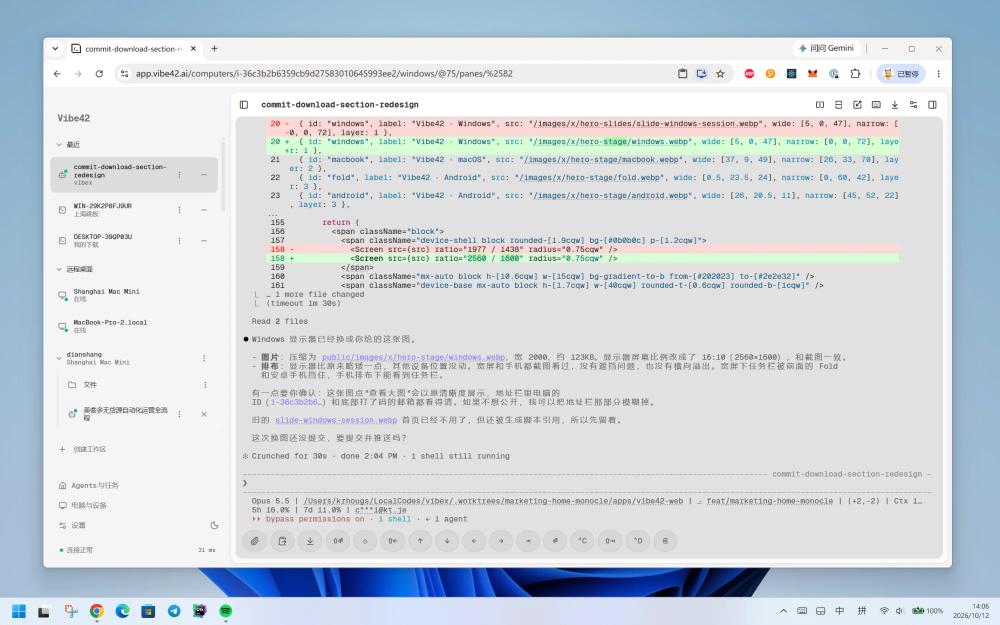
Vibe42: Your AI coding workspace, always on. Access your computer and AI coding agents from anywhere, securely and efficiently.
Cue provides personal AI agents with distinct identities to manage tasks, communications, and finances.
AirCube offers a unified API to access over 450 AI models for image, video, and audio generation.
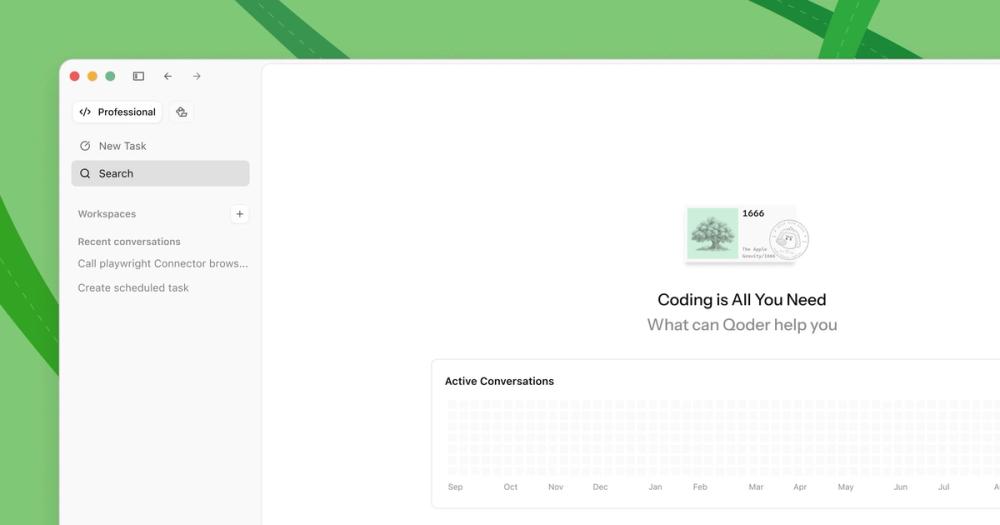
Qoder is an AI-powered autonomous development IDE that helps individuals and teams code faster and more efficiently.
TypeSafe AI offers System One Models for machine-native AI, focusing on calibrated decisions and cost-efficiency over traditional LLMs.
Memoh is a cloud-first multi-agent platform providing dedicated cloud computers for AI agents, ensuring 24/7 operation and seamless integration.
Obsidian is a highly customizable note-taking and knowledge management application designed to serve as a "second brain." Unlike many cloud-based tools, Obsidian operates on local Markdown files, ensuring that your data remains private, accessible offline, and future-proof. It is built on the principle of data ownership, allowing users to maintain their knowledge base without being locked into a proprietary ecosystem.
Obsidian is free for personal use. For users requiring additional features, they offer paid services including Obsidian Sync (for encrypted cross-device synchronization) and Obsidian Publish (to turn notes into public websites). Commercial licenses are required for use in organizations with two or more employees.
Q: Where are my notes stored? A: Your notes are stored as plain Markdown files on your local hard drive or mobile device.
Q: Is Obsidian open source? A: No, Obsidian is proprietary software, but it uses open file formats (Markdown), so your data is never locked in.
Q: Can I use Obsidian on mobile? A: Yes, Obsidian is available for macOS, Windows, Linux, iOS, and Android.
Q: Do I need an internet connection to use it? A: No, Obsidian works entirely offline. Internet is only required for initial download, updates, or using Sync/Publish services.
Q: How do I sync my notes across devices? A: You can use the official Obsidian Sync service or third-party solutions like iCloud, Dropbox, or Git since the files are local.