Newsletter
Join the HoTools Community
Get weekly updates on the best online tools, productivity tips, and exclusive resources delivered straight to your inbox
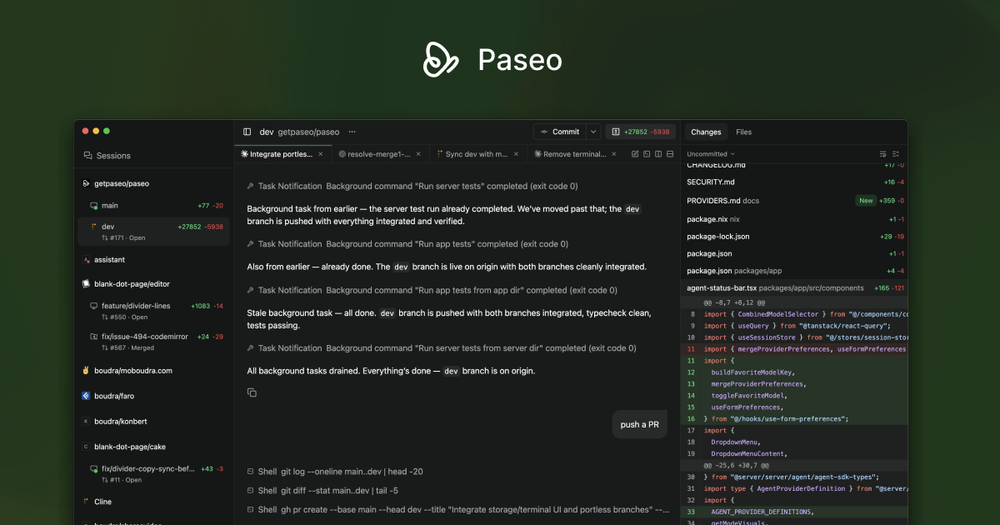
Paseo: Run coding agents like Claude, Codex, and OpenCode from anywhere. Self-hosted, multi-provider, open-source.
AirCube offers a unified API to access over 450 AI models for image, video, and audio generation.
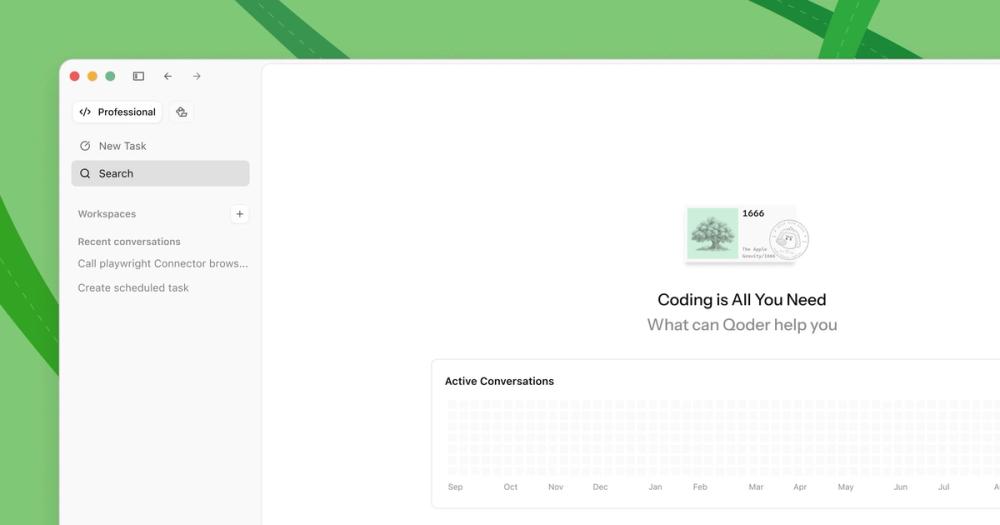
Qoder is an AI-powered autonomous development IDE that helps individuals and teams code faster and more efficiently.
TypeSafe AI offers System One Models for machine-native AI, focusing on calibrated decisions and cost-efficiency over traditional LLMs.
Memoh is a cloud-first multi-agent platform providing dedicated cloud computers for AI agents, ensuring 24/7 operation and seamless integration.
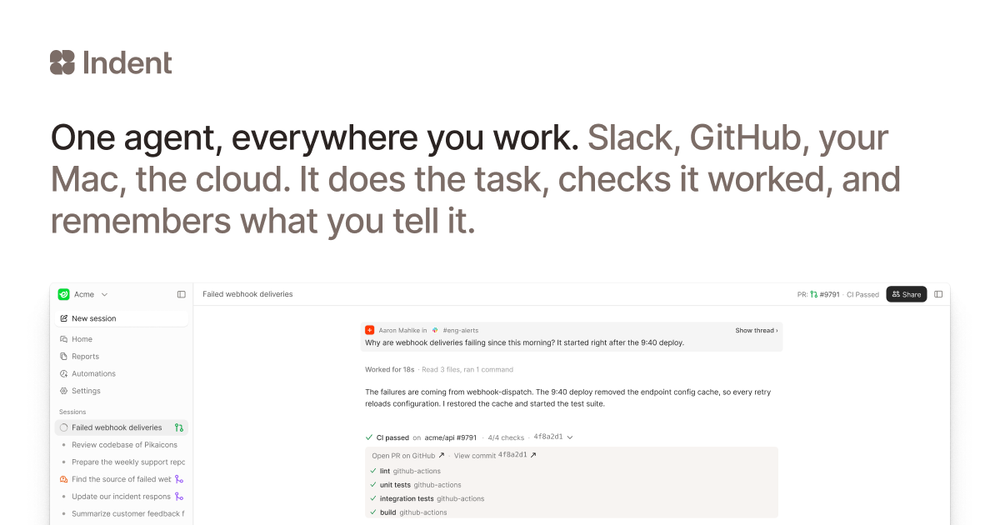
Indent is an AI coworker that automates tasks across your company, learning from one person and benefiting all. Integrates with Slack and code.
Paseo is a powerful, open-source tool that allows you to run various coding agents, including Claude Code, Codex, and OpenCode, from your desktop, phone, or terminal. It offers a self-hosted, multi-provider solution designed for seamless integration into your development workflow. Whether you're on your MacBook Pro or a Hetzner VM, Paseo provides a consistent interface to manage and interact with your AI coding assistants.
Paseo is free and open-source. You will need your own credentials for the coding agents you choose to use.
+−Is Paseo free? Yes, Paseo is free and open-source. You are responsible for your own agent credentials. Voice features are local-first by default but can optionally use OpenAI speech providers.
+−Does my code leave my machine? No, Paseo runs agents locally and does not send your code anywhere. For remote access, secure options like an E2E encrypted relay or direct network connections are available.
+−What agents are supported? Paseo supports Claude Code, Codex, and OpenCode by running their official CLIs as subprocesses. It does not modify or wrap their behavior.
+−Can I use Paseo without the desktop app?
Yes, you can run the Paseo daemon headless using the CLI (npm install -g @getpaseo/cli && paseo) and connect via the web app, mobile app, or CLI.
+−How does the voice functionality work? By default, voice processing (speech-to-text and text-to-speech) runs locally on your device. You can optionally configure OpenAI speech providers for enhanced quality.
+−Can I connect from outside my network? Yes, you can use the hosted E2E encrypted relay, set up your own tunnel (e.g., Tailscale, Cloudflare Tunnel), or expose the daemon port directly.