Newsletter
Join the HoTools Community
Get weekly updates on the best online tools, productivity tips, and exclusive resources delivered straight to your inbox
CodeBuddy: An AI-powered coding assistant from Tencent Cloud that integrates with IDEs, CLIs, and offers an AI agent platform.
AirCube offers a unified API to access over 450 AI models for image, video, and audio generation.
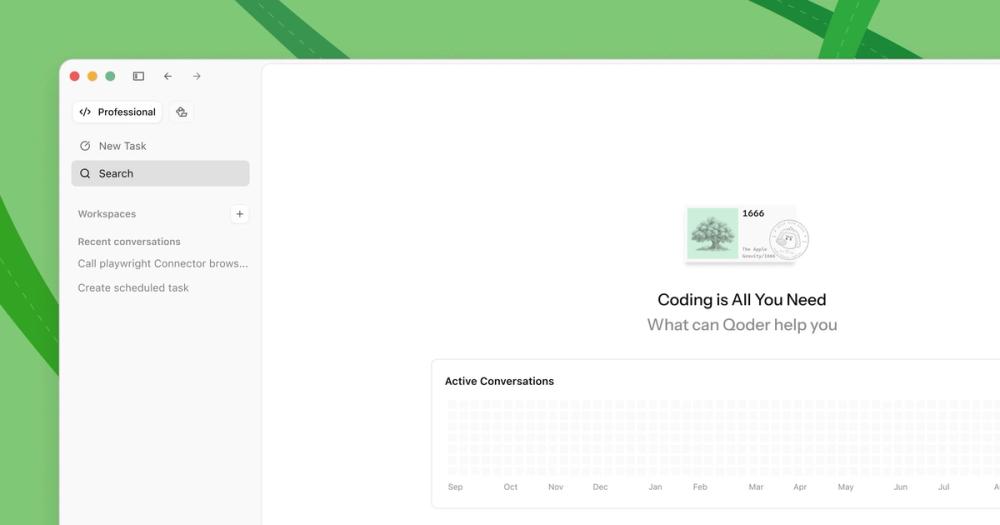
Qoder is an AI-powered autonomous development IDE that helps individuals and teams code faster and more efficiently.
TypeSafe AI offers System One Models for machine-native AI, focusing on calibrated decisions and cost-efficiency over traditional LLMs.
Memoh is a cloud-first multi-agent platform providing dedicated cloud computers for AI agents, ensuring 24/7 operation and seamless integration.
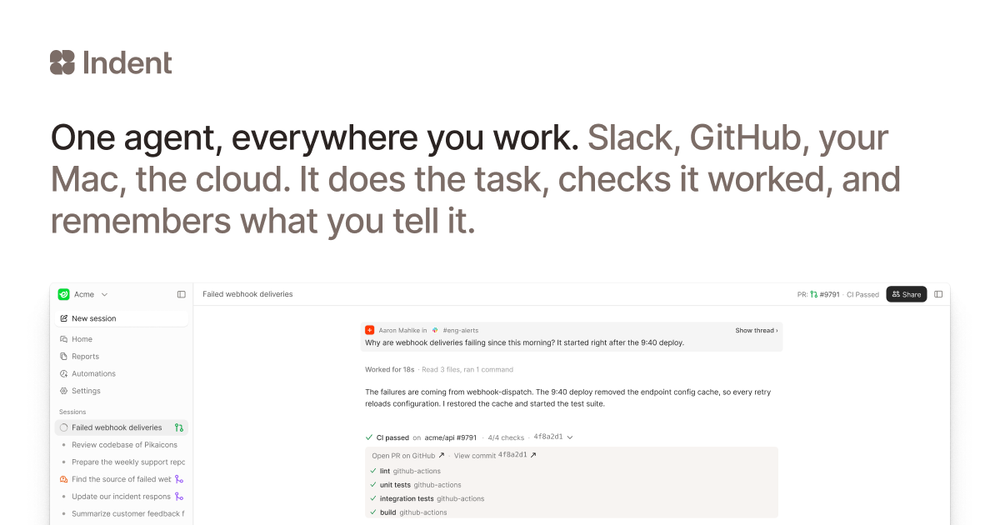
Indent is an AI coworker that automates tasks across your company, learning from one person and benefiting all. Integrates with Slack and code.
CodeBuddy is an AI-powered intelligent programming assistant developed by Tencent Cloud, designed to enhance the coding experience across various development scenarios. It offers a comprehensive suite of tools including an IDE, VS Code/JetBrains plugins, and a CLI, aiming to boost developer productivity and creativity. CodeBuddy supports the entire development workflow, from design and coding to deployment and collaboration.
CodeBuddy caters to a wide range of users and scenarios:
Users can choose the best entry point based on their specific needs and roles. CodeBuddy provides tailored solutions for different development environments and stages.
Click "Help" -> "Open Logs Folder" to access the local log directory. You can then find the daily zip package.
Starting from VSCode version 1.99, remote development requires glibc >= 2.28 on the remote host. Refer to the VSCode official documentation for detailed solutions.
Developers need to apply for Figma permissions. Log in with your Tencent Enterprise WeChat email, select the desired image, and add it to the session.
Click the "+" button on the left to start a new session, and use the right side to view past session history.
In the IDE settings, search for "gallery" and configure it to https://marketplace.visualstudio.com, then restart the IDE.
If you receive an error, ensure that the "shell integration" switch is set to "Enable". Search for "shell" in the settings and enable "Terminal Integrated Shell Integration".
Trusted by numerous developers and companies, CodeBuddy is praised for its accurate code completion, efficiency improvements, and ability to assist with complex logic and debugging. Developers highlight its role in accelerating the development cycle and reducing cognitive load.
Join thousands of developers who have already enhanced their coding experience with CodeBuddy.