Newsletter
Join the HoTools Community
Get weekly updates on the best online tools, productivity tips, and exclusive resources delivered straight to your inbox
Remotion allows you to create MP4 videos programmatically using React, enabling server-side rendering and application building.
AirCube offers a unified API to access over 450 AI models for image, video, and audio generation.
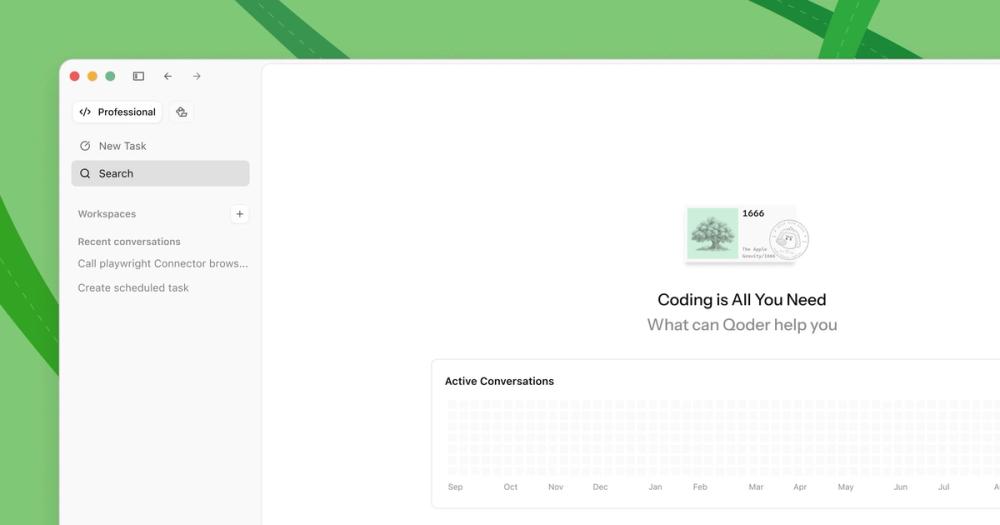
Qoder is an AI-powered autonomous development IDE that helps individuals and teams code faster and more efficiently.
TypeSafe AI offers System One Models for machine-native AI, focusing on calibrated decisions and cost-efficiency over traditional LLMs.
Memoh is a cloud-first multi-agent platform providing dedicated cloud computers for AI agents, ensuring 24/7 operation and seamless integration.
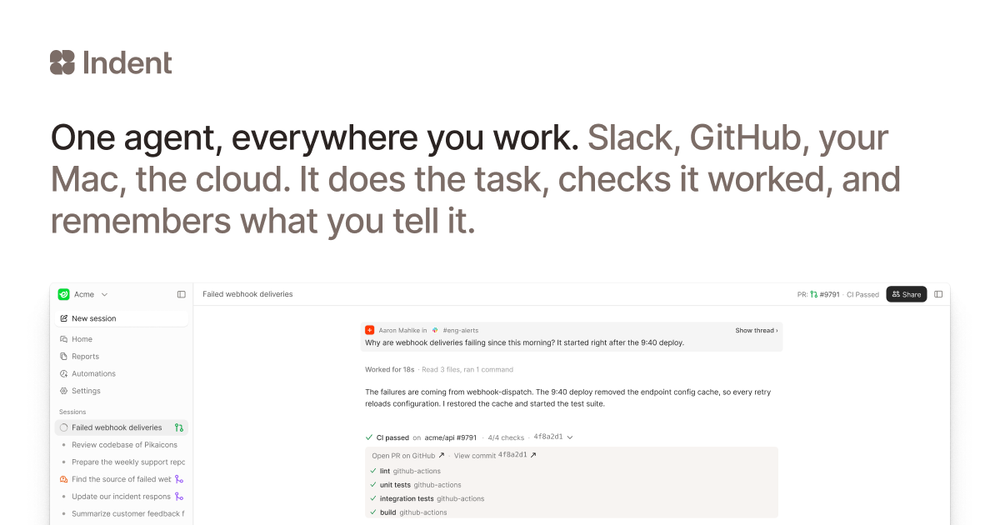
Indent is an AI coworker that automates tasks across your company, learning from one person and benefiting all. Integrates with Slack and code.
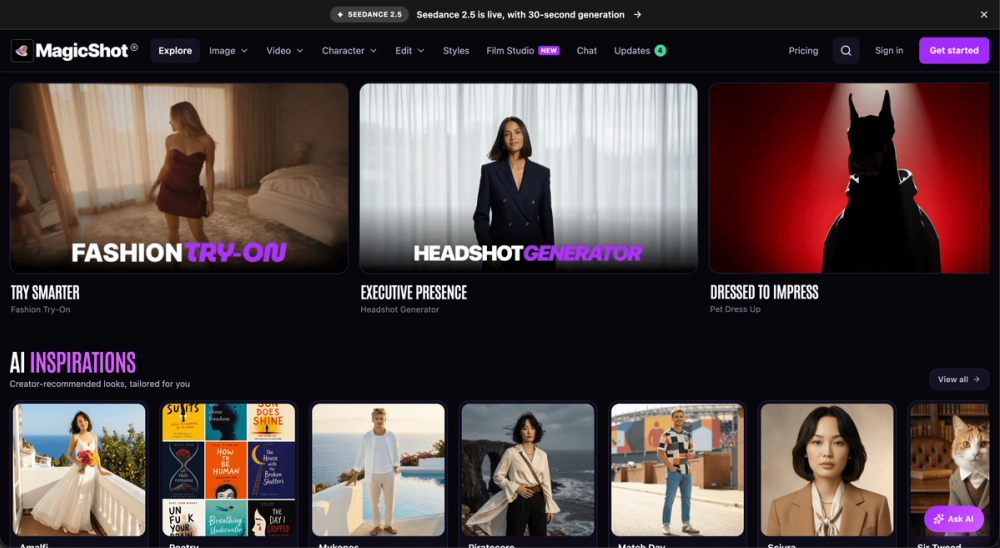
MagicShot: All-in-one AI studio for image, video, and audio creation. Simplify your content workflow.
Remotion is a powerful framework that enables developers to create MP4 videos programmatically using React. It allows for dynamic content parametrization, server-side rendering, and the development of sophisticated video applications.
Remotion offers a tiered pricing structure:
Remotion is a framework for creating videos programmatically using React. It allows developers to build video applications and render MP4 videos with code.
Yes, commercial use is allowed with Remotion's licenses, including the free tier for smaller teams.
Remotion supports rendering locally, on servers, or using serverless solutions like Remotion Lambda.
Remotion Studio is an integrated development environment that helps you build and preview your video compositions directly within your browser.
Remotion for Creators is designed for individuals making videos for themselves, while Remotion for Automators is for building video creation tools and services.
You can get started by installing Remotion via npm and following the documentation, or by using one of the provided templates like "Hello World" or "Next.js".