Newsletter
Join the HoTools Community
Get weekly updates on the best online tools, productivity tips, and exclusive resources delivered straight to your inbox
Native macOS screen recorder and AI video editor for faster content creation.
AirCube offers a unified API to access over 450 AI models for image, video, and audio generation.
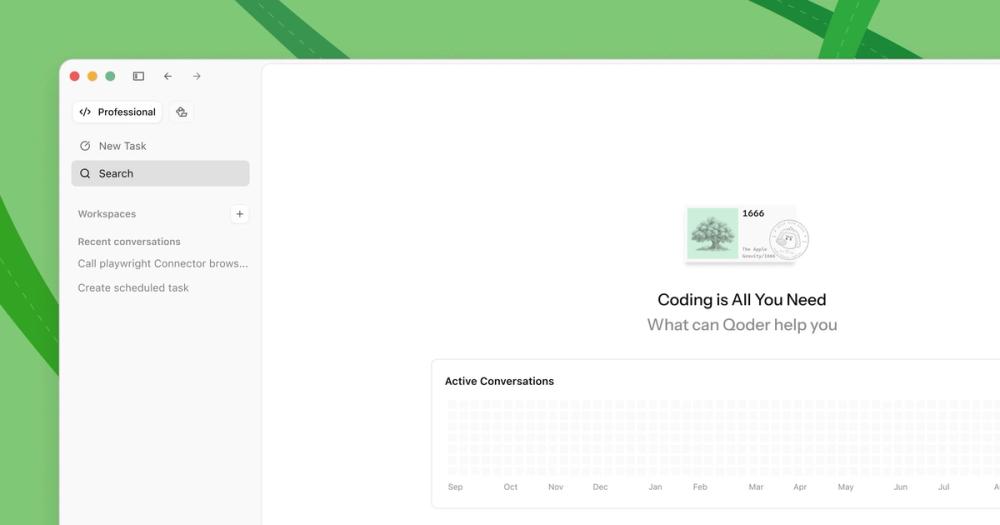
Qoder is an AI-powered autonomous development IDE that helps individuals and teams code faster and more efficiently.
TypeSafe AI offers System One Models for machine-native AI, focusing on calibrated decisions and cost-efficiency over traditional LLMs.
Memoh is a cloud-first multi-agent platform providing dedicated cloud computers for AI agents, ensuring 24/7 operation and seamless integration.
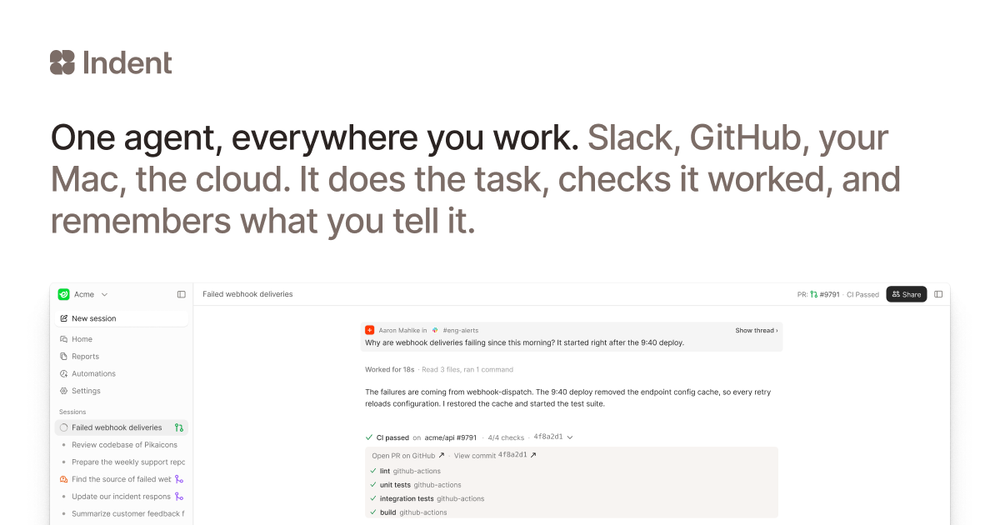
Indent is an AI coworker that automates tasks across your company, learning from one person and benefiting all. Integrates with Slack and code.
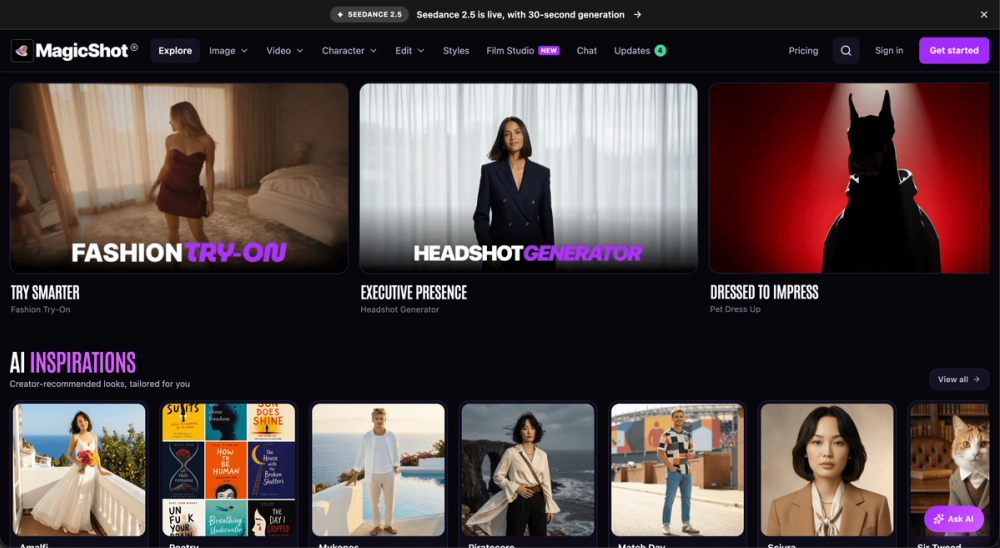
MagicShot: All-in-one AI studio for image, video, and audio creation. Simplify your content workflow.
ScreenKite is a powerful, native macOS screen recorder and AI-powered video editor designed to streamline the process of creating and editing screen recordings. It offers a 100% macOS-native experience, leveraging Apple Silicon and Metal acceleration for fast performance and efficient exports. ScreenKite integrates AI capabilities to automate editing tasks, making video creation significantly faster than traditional methods.
ScreenKite is ideal for:
Yes, ScreenKite is completely free to use. The developers are prioritizing feature development and user trust before introducing pricing models.
ScreenKite is built natively for macOS and utilizes hardware acceleration (Metal) for recording and exporting. This native approach eliminates overhead and significantly speeds up processing times, reportedly up to 3x faster than competitors.
ScreenKite requires macOS 14.0 or later and is compatible with both Intel and Apple Silicon Macs. On-device transcription requires Apple Silicon, while Intel Macs can use cloud transcription services.
Yes, ScreenKite includes a built-in editor that allows for basic editing tasks such as trimming, cutting, and applying visual effects like auto-zoom and background customization, all within the application.
ScreenKite prioritizes user privacy. All recordings and editing are performed locally on your Mac. Data is only sent to cloud services if you opt-in for features like cloud transcription.
ScreenKite integrates AI for tasks like transcription-based editing, auto-zoom, and potentially other automated video enhancements, aiming to reduce manual editing effort.