Newsletter
Join the HoTools Community
Get weekly updates on the best online tools, productivity tips, and exclusive resources delivered straight to your inbox
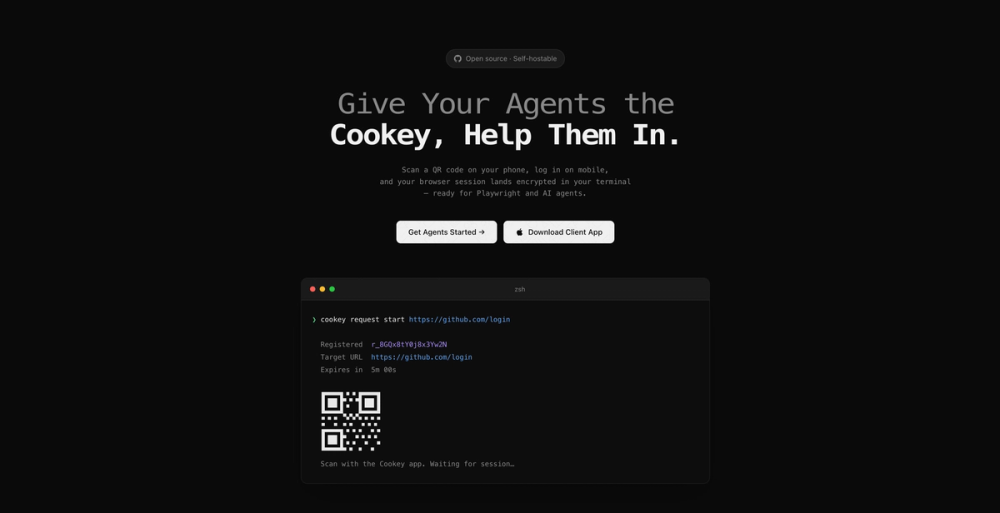
Cookey enables AI agents to securely log into websites by relaying mobile sessions to the terminal.
AirCube offers a unified API to access over 450 AI models for image, video, and audio generation.
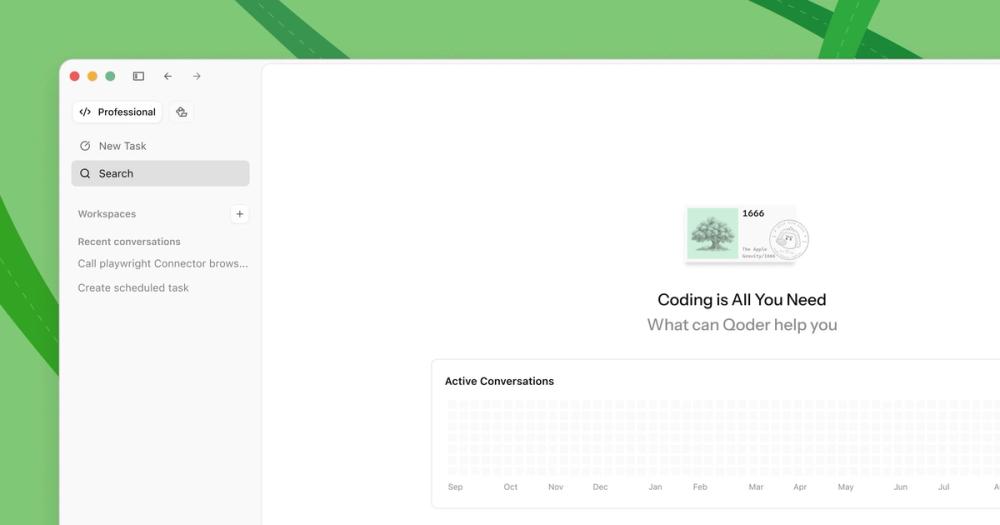
Qoder is an AI-powered autonomous development IDE that helps individuals and teams code faster and more efficiently.
TypeSafe AI offers System One Models for machine-native AI, focusing on calibrated decisions and cost-efficiency over traditional LLMs.
Memoh is a cloud-first multi-agent platform providing dedicated cloud computers for AI agents, ensuring 24/7 operation and seamless integration.
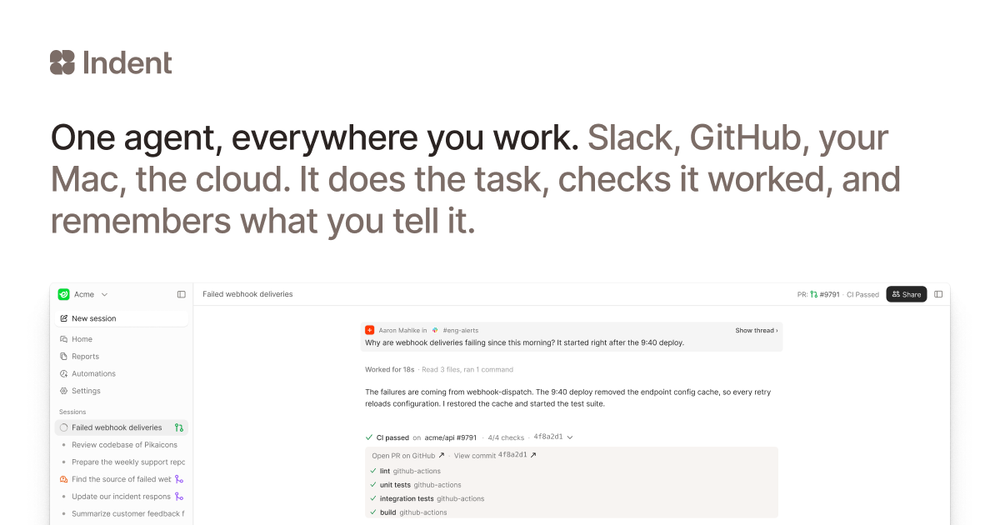
Indent is an AI coworker that automates tasks across your company, learning from one person and benefiting all. Integrates with Slack and code.
Cookey is an innovative open-source tool designed to empower AI agents by allowing them to securely access web applications. It achieves this by capturing browser sessions initiated on a mobile device via a QR code scan and securely transferring them to your terminal. This enables agents to perform actions on websites as if they were logged in by a human user, without compromising security.
storageState.cookey as a tool.Apple restricts Passkey, WebAuthn, and FIDO2 security key APIs in WKWebView (used by Cookey) for security reasons, as embedded browsers could be a phishing risk. Use alternative login methods like passwords or email links within Cookey.
No. Session data is encrypted on your phone using the CLI's public key before it leaves the device. The relay only forwards encrypted data and deletes it after delivery or expiry.
Cookey captures cookies and localStorage for the specific site you logged into. It does not capture passwords, autofill data, or indexedDB content.
No, Cookey does not require any accounts, registration, or device enrollment. It generates its own key pair locally upon first use.
Yes, Cookey is self-hostable. You can run your own relay server using a single Docker image for maximum privacy and control.
Yes, Cookey is open source, and its source code is available on GitHub.